Balance
Daily and per-app limits
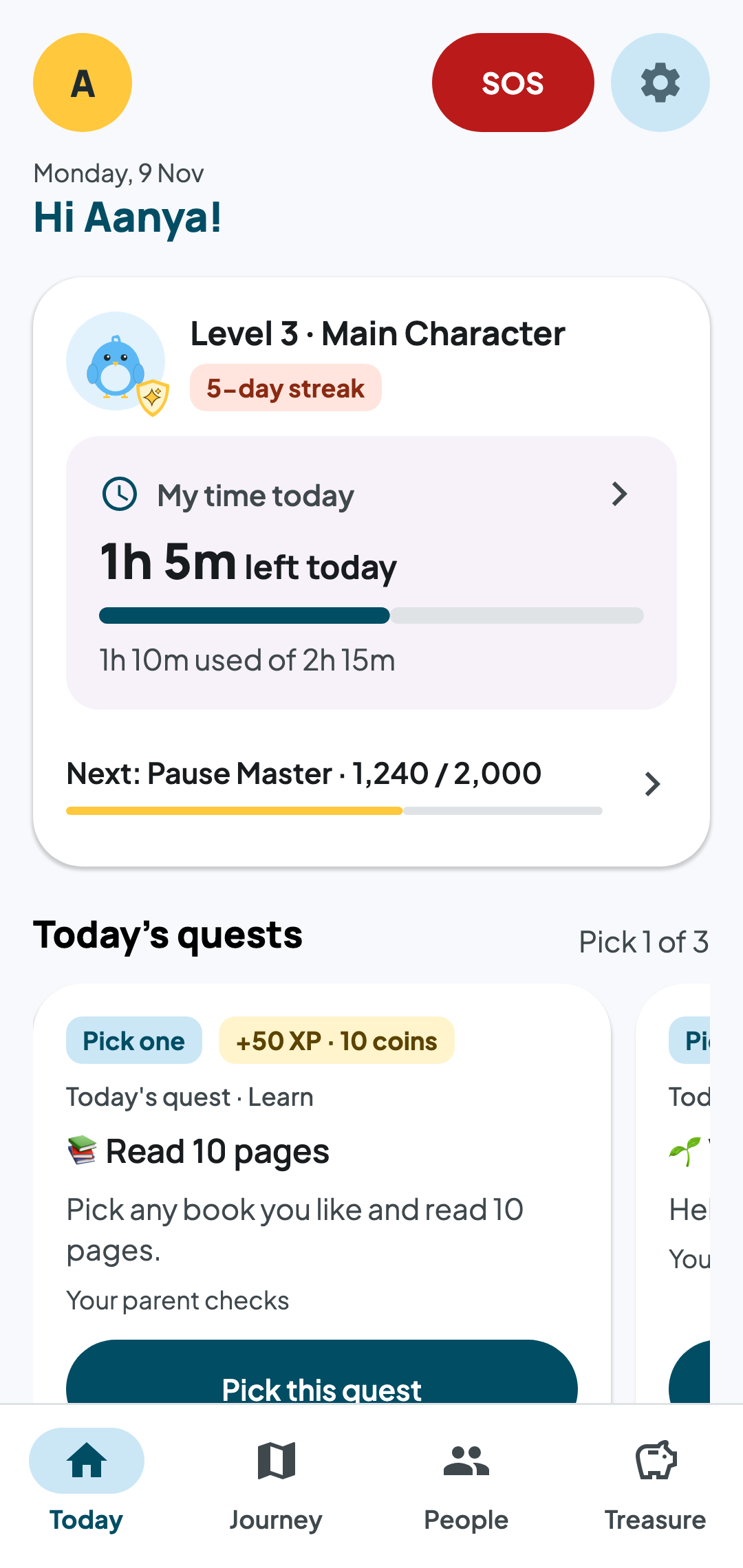
Your child always sees the time left today, and what made it up.
How DigiTogether works, every feature, and the everyday moments it was made for.
Kids do real things, you see what matters, and you agree the next step together. Tap a step to see it in the app.
The goal is a child who doesn't need the app any more.
You set it up on yours. Your child sees what it is and why on theirs.
Your child always sees the time left today, and what made it up.
Every app your child installs reaches you first. Allow, limit or keep off.
More time or a new app: one tap and a reason, answered from your phone.
Three real-life quests a day, with room to pass, say "I'm stuck" or try.
Coins go into Spend, Save and Give jars, with a goal to save for.
Five levels from Fresh Spawn to Legend IRL. They celebrate growth, never unlock risky apps.
What they watch and search, as topics. Only what could hurt shows in full.
The week in plain words, good news first.
Turn an insight into a small promise, and see how it goes day by day.
Their day in one timeline, where their phone is, and safe-zone notes.
Hold 3 seconds. You get a loud alert with where their phone is.
A clear card of what you see and never see, on both phones.
DigiTogether is made for ordinary days, not just emergencies.
Turn on Study mode for exam week. Only study apps open, and calls still work.
Bedtime starts at 9:30. Apps rest by themselves, so there's no fight at the door.
It waits for you. Allow it with a 30-minute limit, and say why.
One calm alert: the risky words and a mostly hidden number. Not the chat.
Quests fill the Gullak. Save, spend or give, with a goal to work towards.
Hand it over in child mode. Their limits apply, and your PIN switches it back.
About five minutes on each phone.
Premium extras come later. Safety features stay free, always.
Be one of the first families on DigiTogether.